
In this quick tutorial, you’ll learn how to create a fully functional contact form using Ray’s Contact Form for WordPress. From creating your first form to receiving your first submission, the entire process takes just a few minutes.
Download Ray’s Contact Form and follow along with this tutorial.
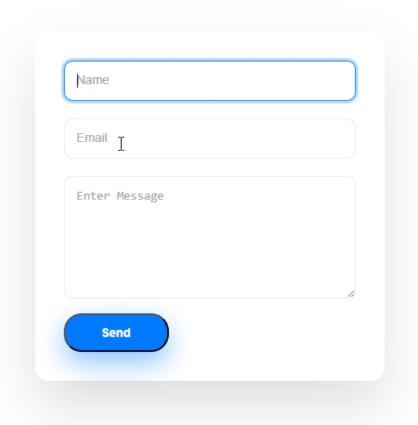
In this video you’ll learn how to create a form like this within 3 minutes.
00:06 Add New Form
Create a brand-new contact form from the WordPress dashboard.

00:09 Save Form Name
Give your form a meaningful name for easy management.

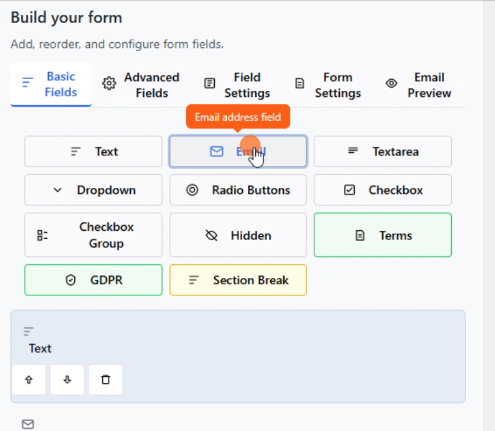
00:18 Add Fields
Build your form by adding Name, Email, Message, and other available fields.
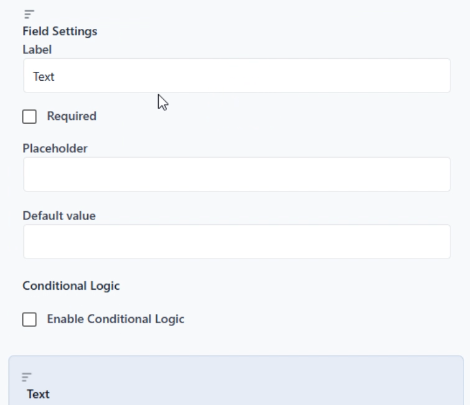
00:24 Customize Field Settings
Configure labels, placeholders, required fields, validation, and other field options.
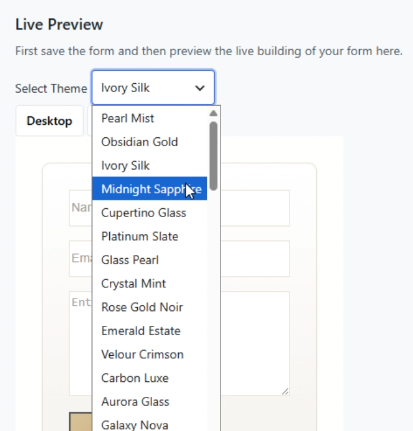
01:01 Choose a Built-in Theme
Select one of the built-in professionally designed themes to instantly style your form.
01:20 Configure Form Settings
Adjust general form settings including submission behavior and display options.
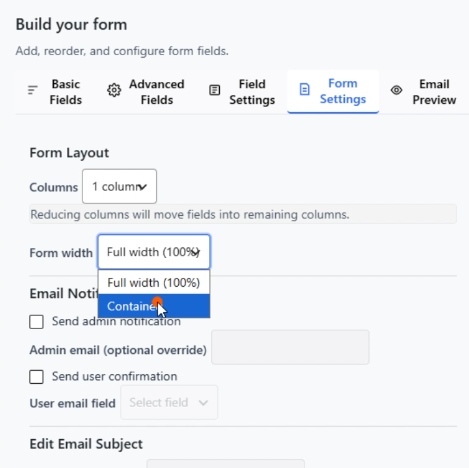
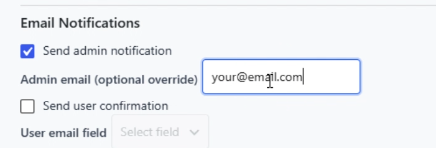
01:40 Set Email Notifications
Configure where form submissions should be sent so you never miss an enquiry.
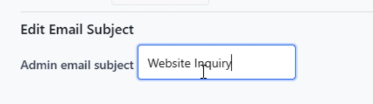
01:47 Set Email Subject
Customize the subject line of notification emails for better organization.
01:57 Save Form
Save your completed form and all configuration changes.
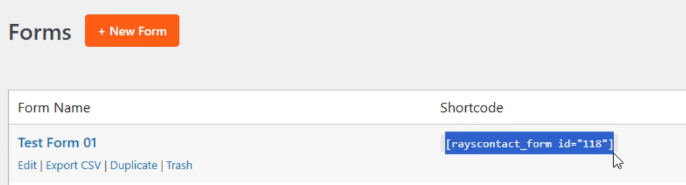
02:02 Publish the Form
Insert the generated shortcode into any page or post to make the form live.
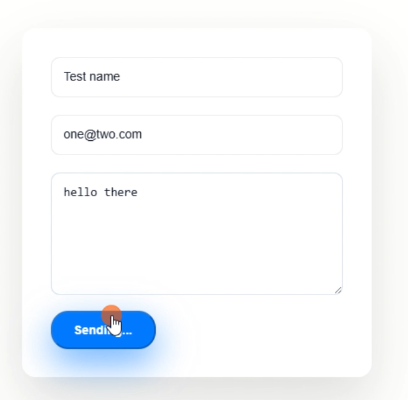
02:35 Submit the Form
Test the form from the front end to ensure everything works correctly.
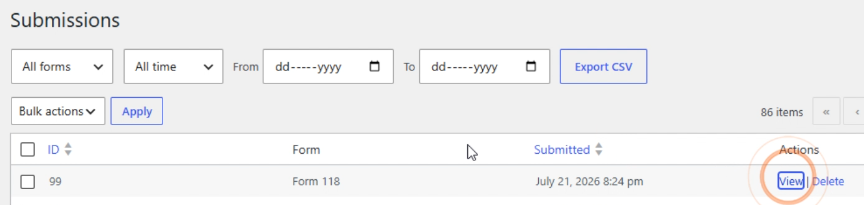
02:46 Check Form Submission
View the submitted entry inside the WordPress dashboard and verify that email notifications were delivered.
If you receive the email, everything is working correctly.
You Did It!
You have successfully created, configured and published your first form.
Next Steps:
Quick Tips
- Keep forms short for better conversions.
- Only make fields required when necessary.
- Use clear labels.
Always test after publishing.